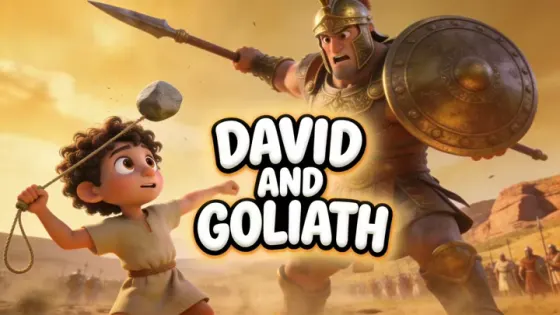
Cartoons to watch
Animated stories from the Old and New Testament, a few minutes each: Noah's ark, baby Moses, David and Goliath, the birth of Jesus and his parables. A cartoon of the day is waiting on the home screen.
Sam is an app of animated Bible cartoons and narrated bedtime stories for children. You set it up, they pick a story, and the day ends with Noah, Esther or the lost son instead of whatever plays next.
Free to download. No ads. For iPhone, iPad and Android.
Animated stories from the Old and New Testament, a few minutes each: Noah's ark, baby Moses, David and Goliath, the birth of Jesus and his parables. A cartoon of the day is waiting on the home screen.

Narrated stories with pictures, captions and soft background music, for when the lights are low. Early readers can follow the captions; little ones can just listen.
A few of the stories in the app. Each one is linked to a virtue, such as faith, courage, kindness or forgiveness.
 Noah's ArkDavid and Goliath
 Daniel in the Lions' Den
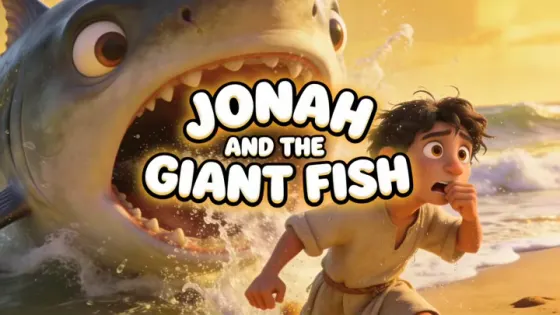 Jonah and the Whale
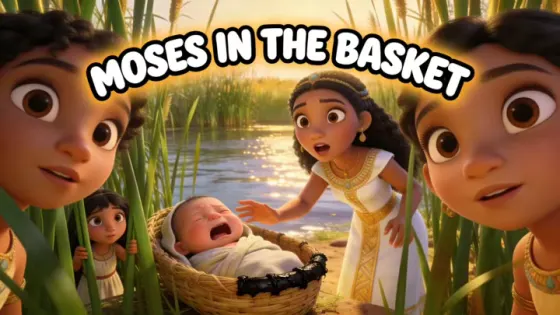 Baby Moses in the Basket
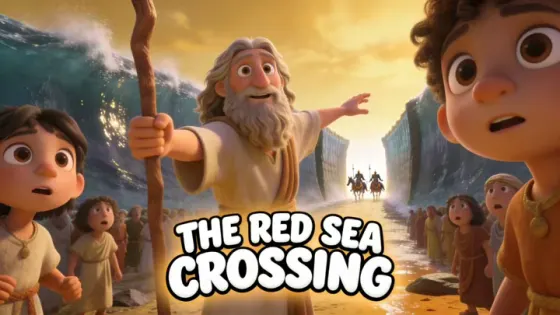 Crossing the Red Sea
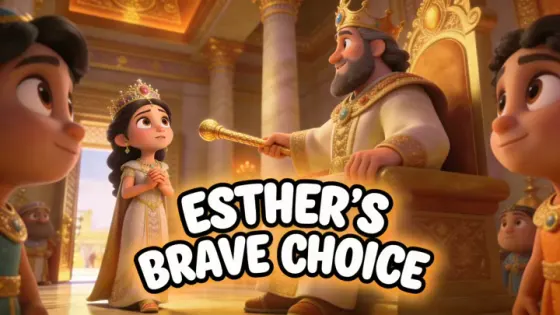 Esther
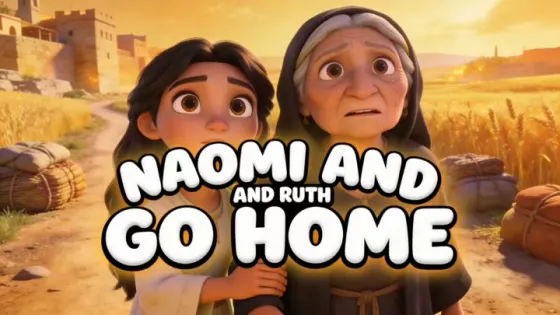 Ruth and Naomi
 The Birth of Jesus
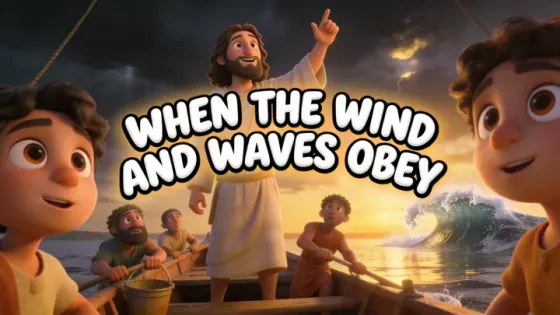 Jesus Calms the Storm
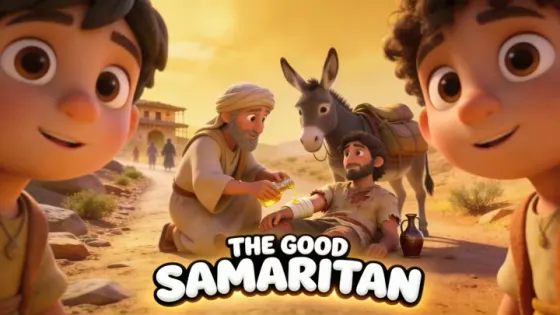 The Good Samaritan
 The Prodigal Son
You are handing a screen to your child, so here is the plain version. The full one is in our Privacy Policy.
Preschoolers can enjoy the simple animations, and early readers can follow along with the captions of the bedtime stories. You know your child best: some Bible stories have moments that can feel big for a little one, so pick the ones that suit yours.
No. You can use Sam without signing in. Signing in with Google, or with Apple on iPhone and iPad, saves your child's favourites and progress so they are there on another device.
Sam is free to download, with a selection of free stories. A Premium subscription unlocks the full library. The price and any free trial are shown in the app before you buy.
Where you bought it: in your Apple subscription settings, in Google Play under Payments & subscriptions, or, for a purchase on our website, in the app under For parents. The exact steps are in our Terms.
In the app, under For parents, or by email without the app. Delete your account has the steps and says exactly what is deleted and what is kept.

Download Sam, answer a few questions about your child, and press play.